Hardware Week 2: Beyond the Board

Hardware Controllers

GA CCI Hardware Week 2

Questions from last class?

GA CCI Hardware Week 2

Warmup: Get the lyrics from your favorite song. Program your board such that every time you press a button, it prints out the next line of the song.

While you do that, ask yourself: When your board prints, where does it go?

GA CCI Hardware Week 2

Moving the Board

Acceleration

GA CCI Hardware Week 2
import time

from adafruit_circuitplayground import cp

while True:
    x, y, z = cp.acceleration
    print((x, y, z))

    time.sleep(0.1)
GA CCI Hardware Week 2

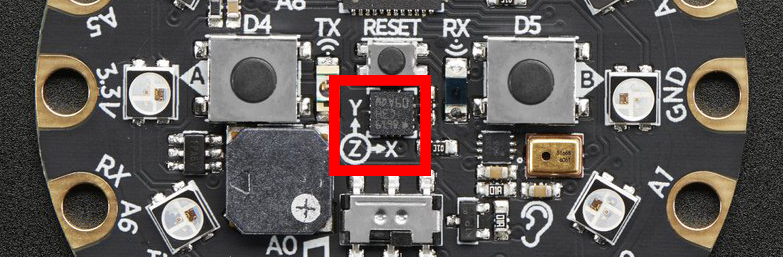
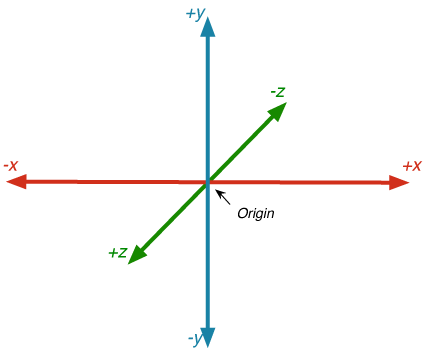
Try setting your board flat on the table. Which axis has the highest number?

What happens if you flip the board over?

What if you hold it upright?

What if you shake it?

GA CCI Hardware Week 2

Ideate: What can you do with this?

GA CCI Hardware Week 2

The CircuitPlayground has some built-in utilities that use the accelerometer.

You an detect shakes:

from adafruit_circuitplayground import cp

while True:
    if cp.shake():
        print("Shake detected!")
GA CCI Hardware Week 2

Or taps!

import time

from adafruit_circuitplayground import cp

cp.detect_taps = 2

while True:
    if cp.tapped:
        print("Tapped!")
    time.sleep(0.05)
GA CCI Hardware Week 2

Use moving the board as an input! You can use the raw accelerometer values, taps, or shakes.

Challenges:

  • Make your board do something different based on which axis is experiencing the most force.
  • Use all three axis inputs at once. (Think ... what else has 3 values?)
GA CCI Hardware Week 2

So what is Serial?

GA CCI Hardware Week 2

We already can get our boards talking ...

print("Hello!")

Without even knowing it, we're already using Serial.

GA CCI Hardware Week 2
import time

while True:
    print("hi there")
    time.sleep(1)
GA CCI Hardware Week 2

So what is serial?

Serial is a way of connecting 2 devices across one communication channel.

Serial communication talks one bit at a time, sending information in a single channel.

sending information by wire

GA CCI Hardware Week 2

This is how serial communications are hooked up. Each device has an RX (Receive), TX (Transfer), and a shared GND.
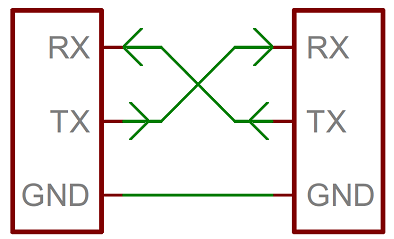
Note that they're relative to the DEVICE.

GA CCI Hardware Week 2

Let's connect to our serial channel another way.

Open your terminal
Mac/Linux: ls -1 /dev/cu.* 12

  1. for Linux, you might need to try ls -1 /dev/tty* ↩︎

  2. If you're on Windows hold tight! ↩︎

GA CCI Hardware Week 2

You should see something like this:

These are called COM Ports/Serial Ports - each is a different device.

GA CCI Hardware Week 2

Find the COM port that's connected to your board. It'll likely look like usbmodemXXXX.

Then, run cat /dev/cu.usbmodem1101 1

  1. replace my usbModem number with your own ↩︎

GA CCI Hardware Week 2

Another way to listen to our serial channel:

SerialTerminal.com1

  1. Use this in Chrome! Potentially not supported in other browsers. ↩︎

GA CCI Hardware Week 2

An important note: only one device/app/listener can connect to serial at a time.

If you're not able to connect on serialterminal.com, check that you've closed your serial and plotter on Mu.

GA CCI Hardware Week 2

Bonus: your board can technically listen to your computer too.

import supervisor
import sys

while True:
    if supervisor.runtime.serial_bytes_available:
        msg = sys.stdin.readline().strip()
        print("got:", msg)

*This is not well supported in CircuitPython ... but technically possible.

GA CCI Hardware Week 2

Now let's talk to everything else

Let's get your board to talk to P5.

GA CCI Hardware Week 2
import time
from adafruit_circuitplayground import cp
 
while True:
    x, y, z = cp.acceleration
    print(f"{x:.2f},{y:.2f},{z:.2f}")
    time.sleep(0.05)
GA CCI Hardware Week 2

P5 Sketch

GA CCI Hardware Week 2

WebSerial is an API that lets websites connect directly to your serial devices.

MDN Web Serial API documentation

P5.WebSerial Documentation

GA CCI Hardware Week 2

Structuring Data

(-3.44742, -1.37897, 9.11651)

vs

-3.44742, -1.37897, 9.11651

GA CCI Hardware Week 2

Use another input on your board to talk to a P5 sketch.

Challenges:

  • Send more than one input at a time. Use them to control different things.
  • Can you your accelerometer control your neopixels and your P5 sketch at the same time?
GA CCI Hardware Week 2

Beyond a Bare Board

Let's give our boards some flair

GA CCI Hardware Week 2

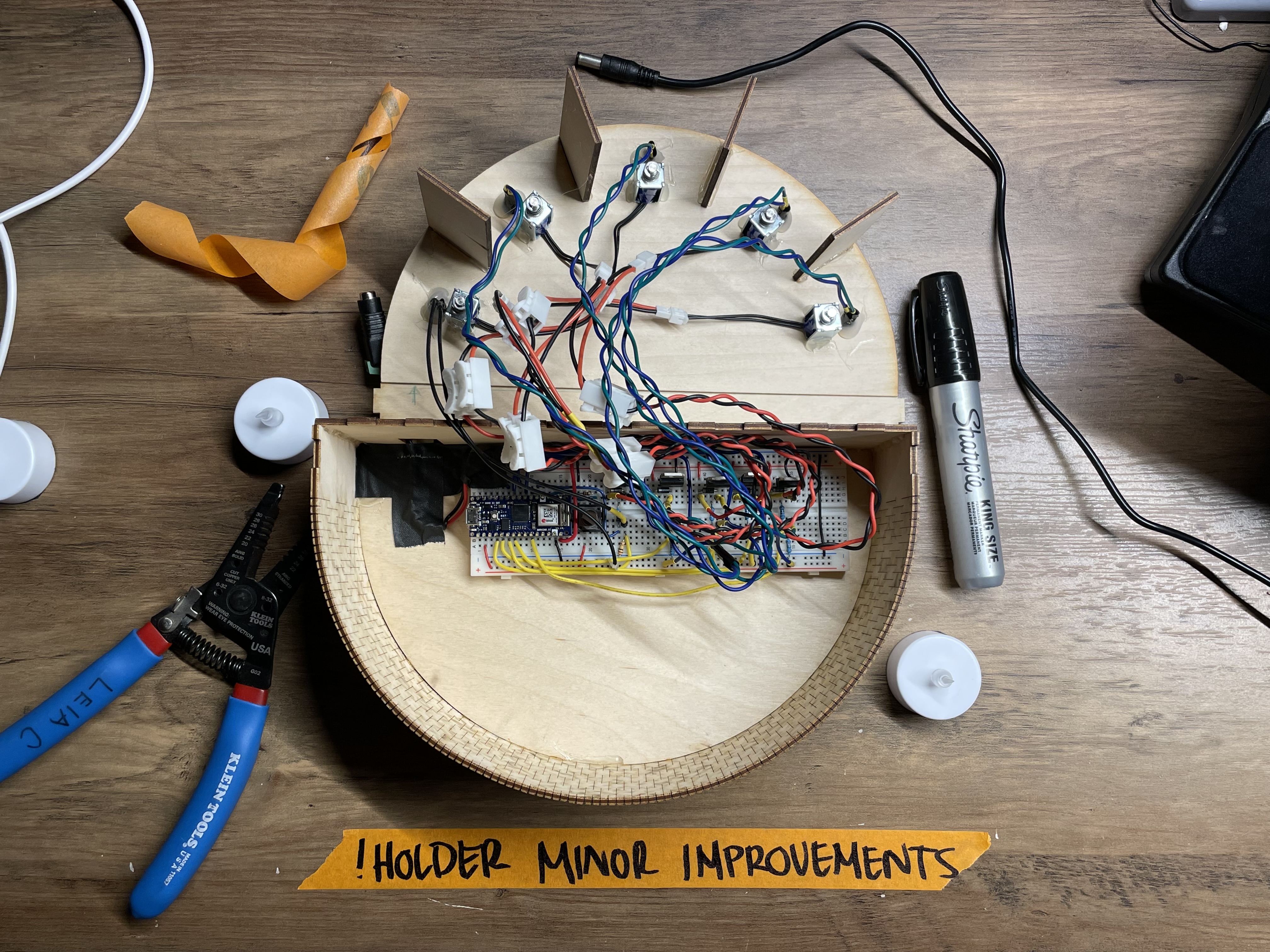
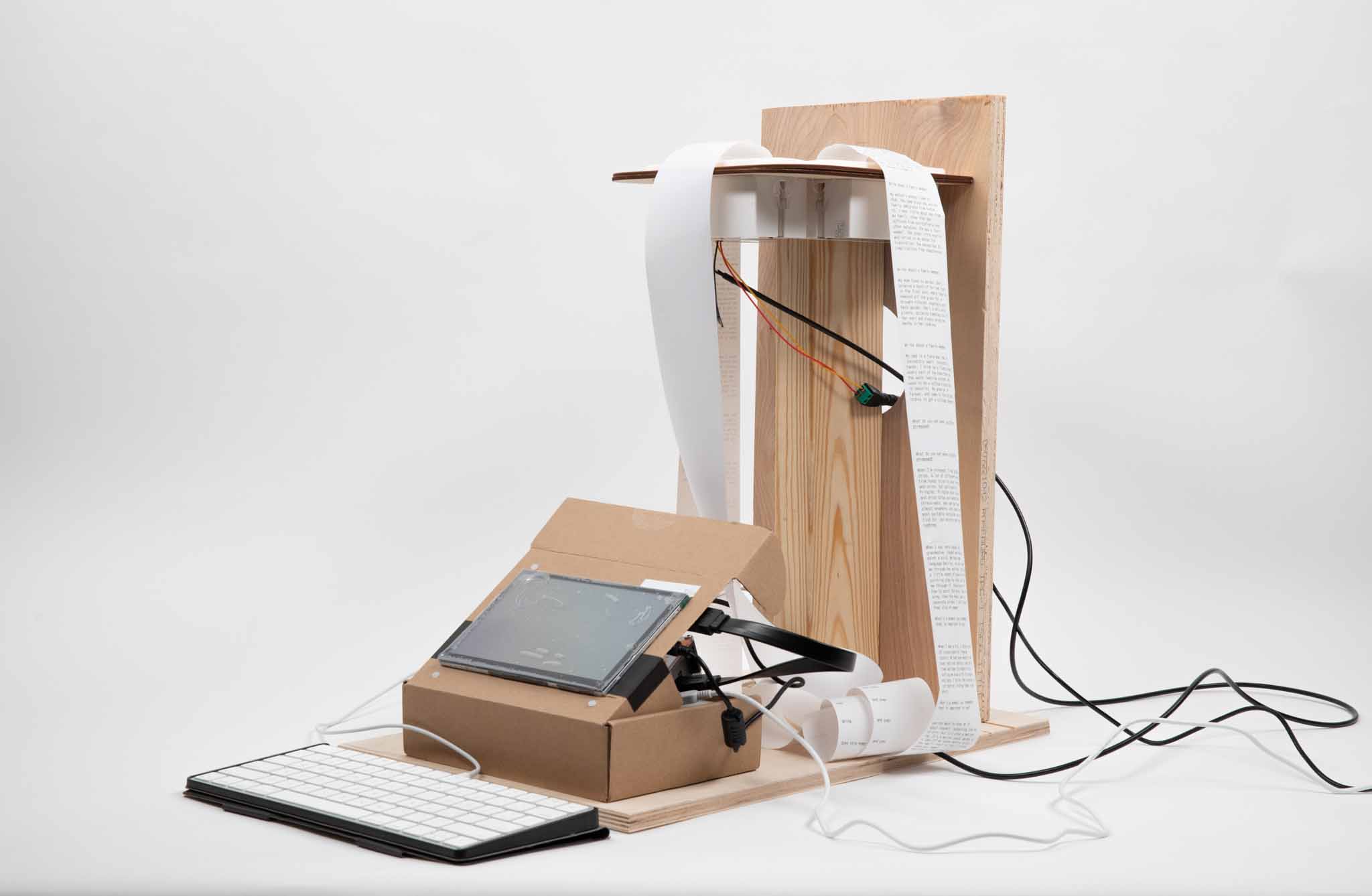
Building a body protects your electronics, but also tells people how to use them.
GA CCI Hardware Week 2

Our circuit boards are nice, but they could be so much more.

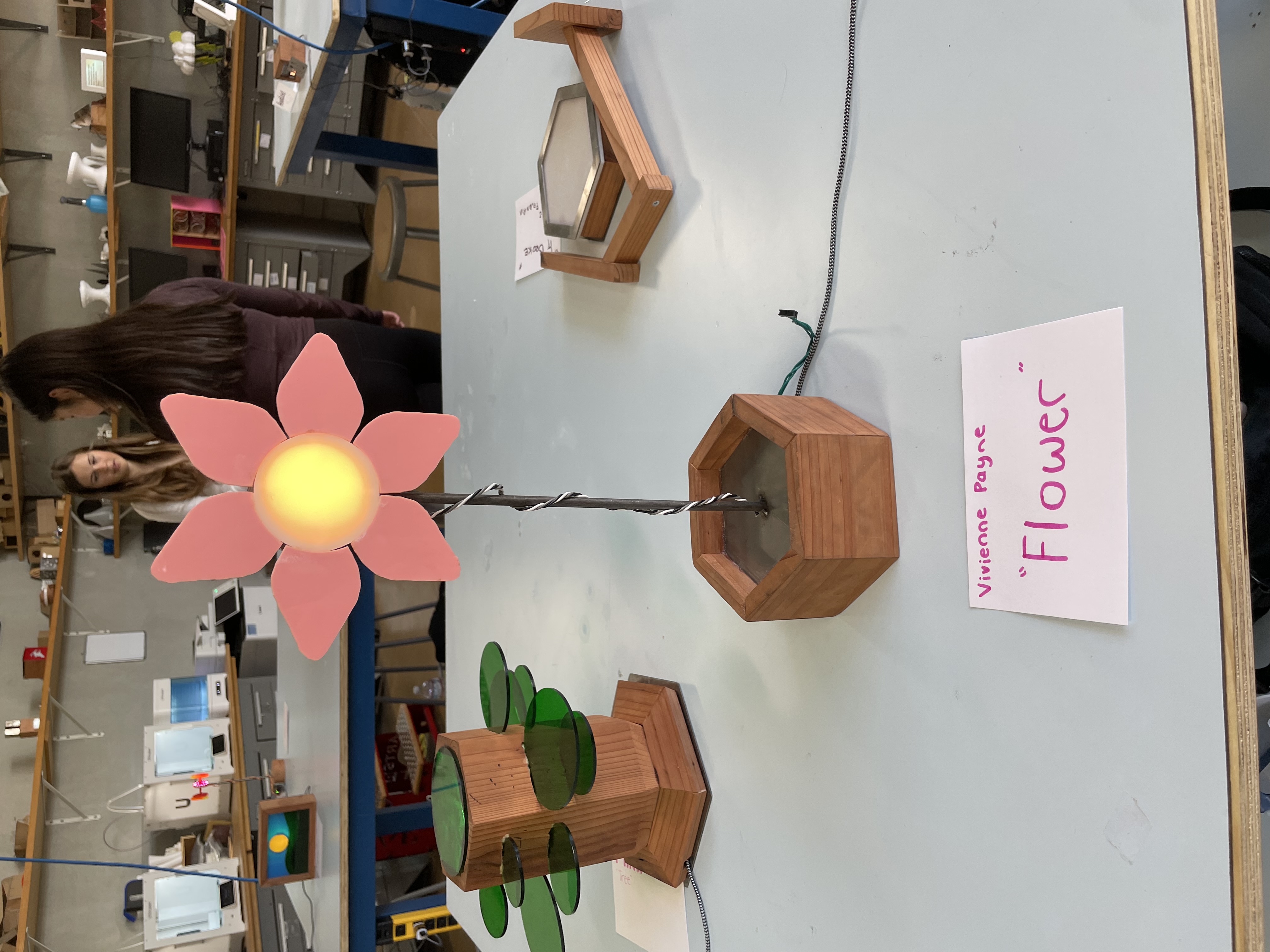
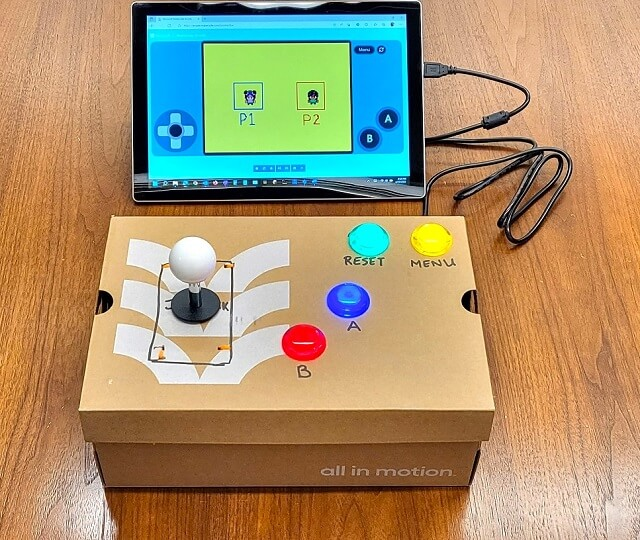
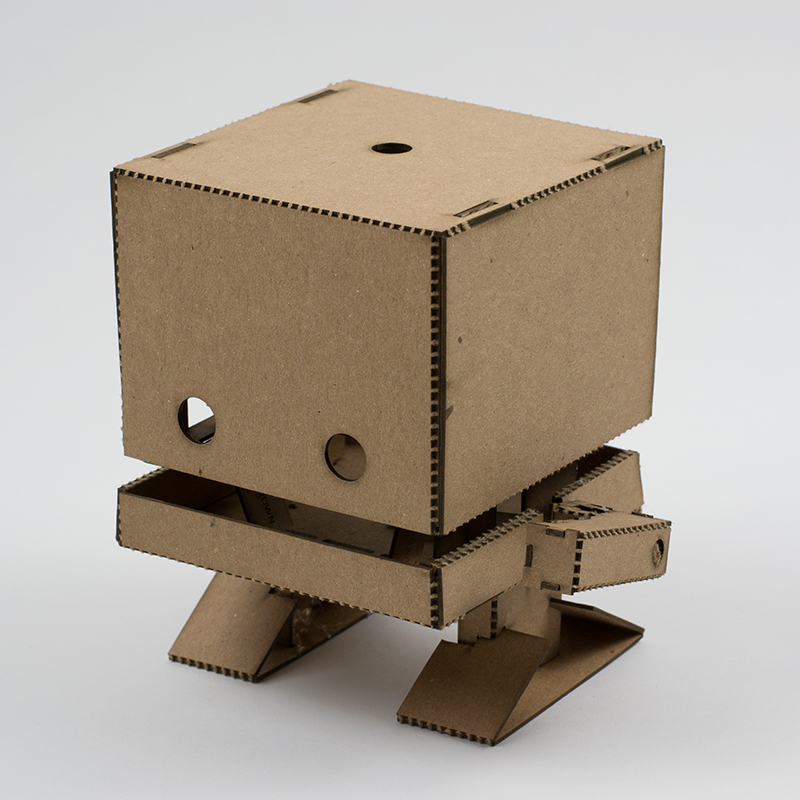
Giving them a body can change how we interact with them. You might interact with these two differently.
GA CCI Hardware Week 2

Using the light? Diffuse it for a nicer glow, or use its shape to tell a story.

GA CCI Hardware Week 2

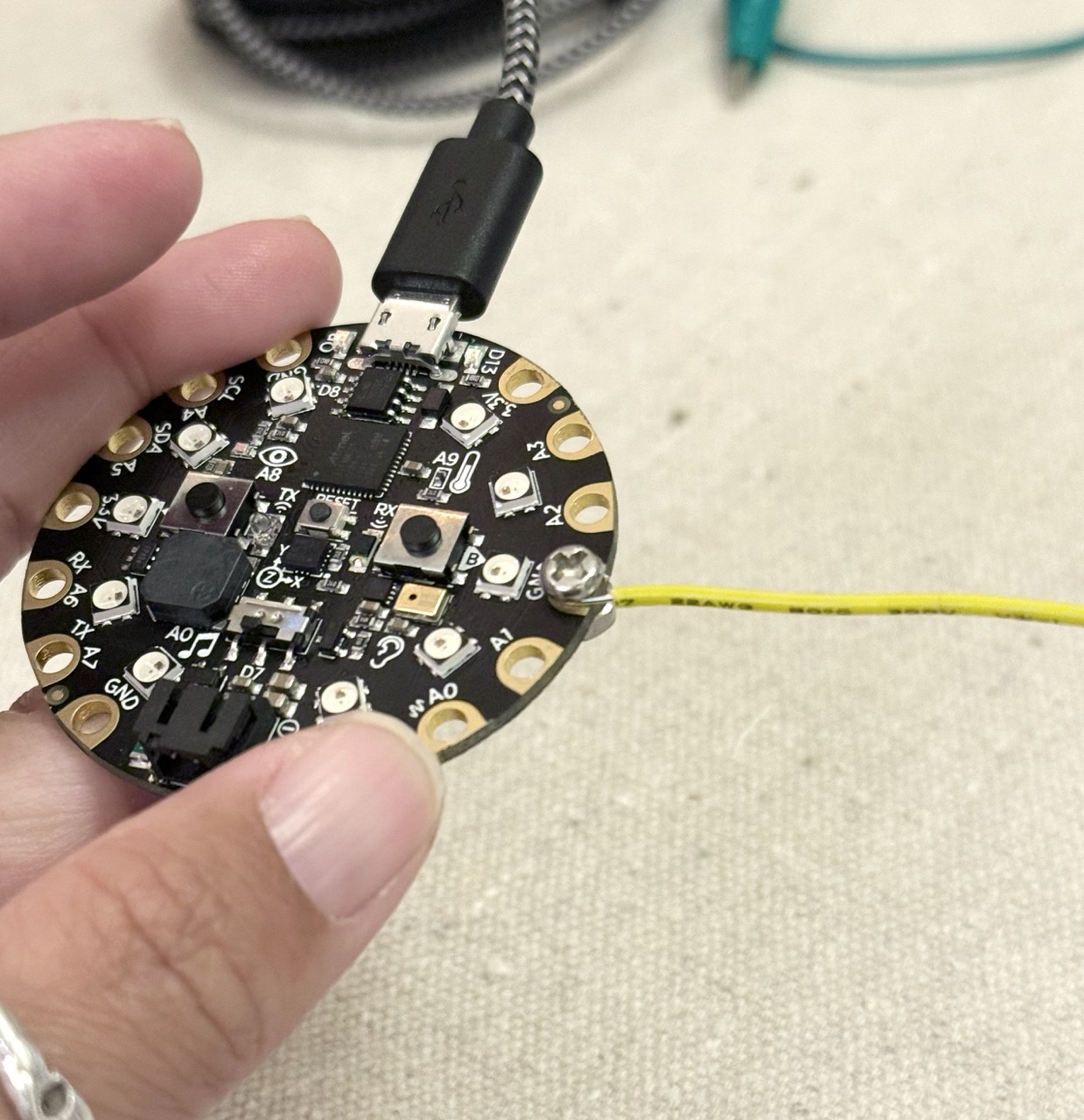
Remember these screw terminals? You can also use them to anchor the board to a shell.

However, DON'T use GND, 3.3V, or VOUT.
GA CCI Hardware Week 2

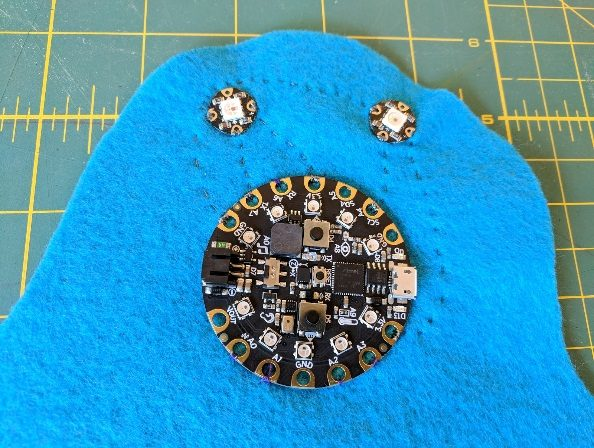
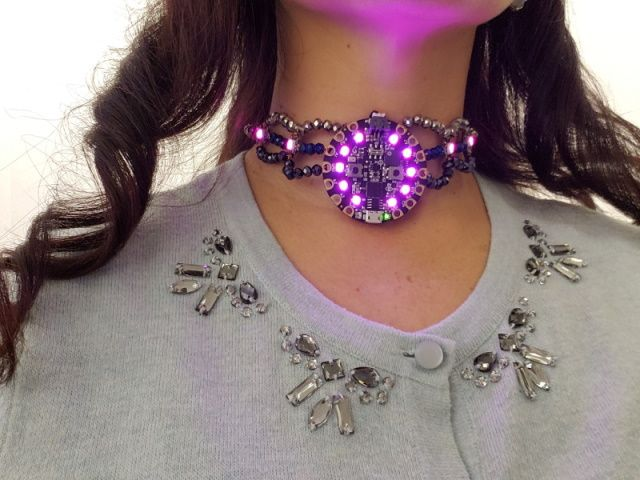
Want a wearable? You could also sew, or string the board to secure it.
GA CCI Hardware Week 2

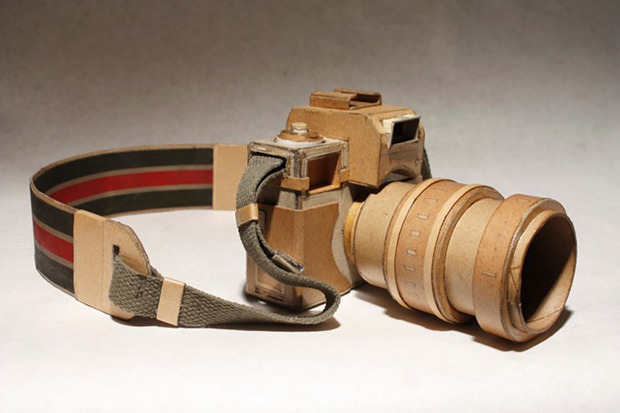
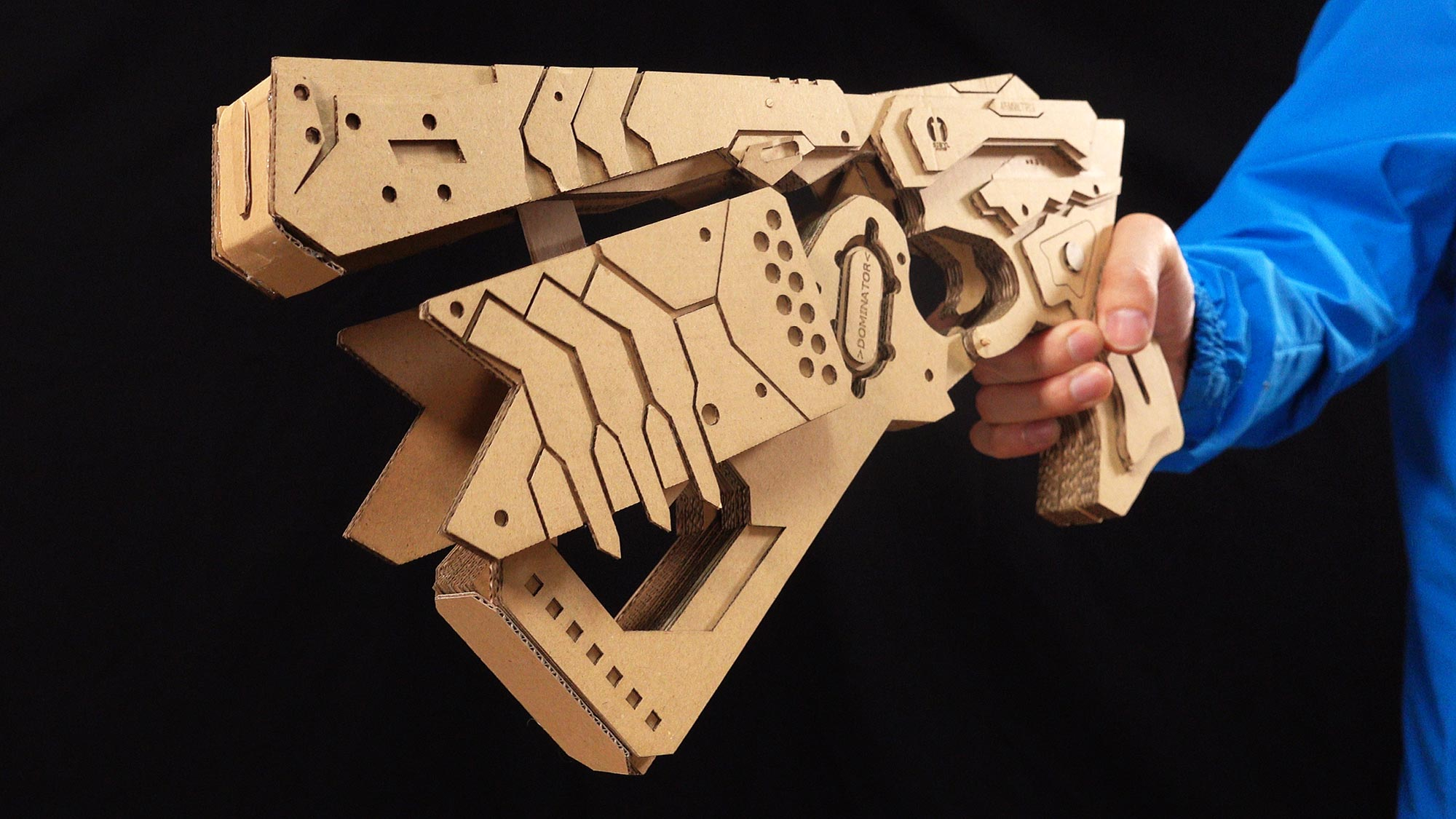
And you can make anything with cardboard.
GA CCI Hardware Week 2

musical glove

grim grinning ghosts

3D printed cases

Snap fit mount case

General advice for electronics enclosures

GA CCI Hardware Week 2

Imagine a housing, cover, or other body for your board.

Make it out of cardboard, paper, cloth, tape, or other readily available materials.

GA CCI Hardware Week 2

Saturday Project

Create an interactive art piece that uses both hardware and digital aspects to create a compelling interaction.

Consider how they interact; how can a physical object support a digital work? How do you make your interaction clear?

Your CircuitPlayground could be a controller, an extension, peripheral, a wearable, or something else entirely.

GA CCI Hardware Week 2

Bring craft materials, junk, & objects you don't want to class on Saturday.

GA CCI Hardware Week 2