Things you remember from last time?
Today's rough agenda:
Quick reminders:
Doing two things at once
If I ask you to make your board say "hello" every 5 seconds, how would you do it?
You might do it this way:
import time

while True:
    print("hello")
    time.sleep(5)
Now, what if you wanted to add an interaction?
Your board saying "hello" every 5 seconds, and a button that turns on the red LED? 1
Solution ↩︎
Time is a little funny on tiny computers.
import time
time.time() - number of seconds since Jan 1, 1970
time.time()
Use this to make your board say "hello" every 5 seconds, with a button that immediately turns on the red LED. 1
time.monotonic() - an ever-increasing value per "tick"
time.monotonic()
time.monotonic_ns() - like the above, but in nanoseconds
time.monotonic_ns()
time.localtime() theoretically should give you the current time locally ...
time.localtime()
but the reality is it doesn't work.
Exercise: Create a stopwatch using your board.
Challenge: Have your board blink the number of seconds that elapse between button presses.
So why is this important?
Try this:
Make an animation that spins a pixel around in a circle on your board, without using time.sleep.
time.sleep
Then, have that animation pause when you hit a button, and unpause when you hit it again.
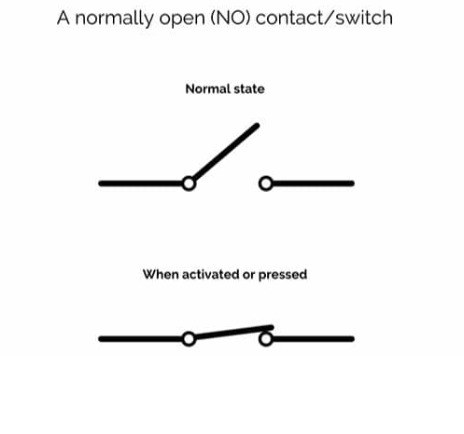
These refer to how we read/interact with the pins on our microcontroller. They tell us what kind of values to expect.
Or: True & False
Or: 1 & 0
import time
import board
import digitalio

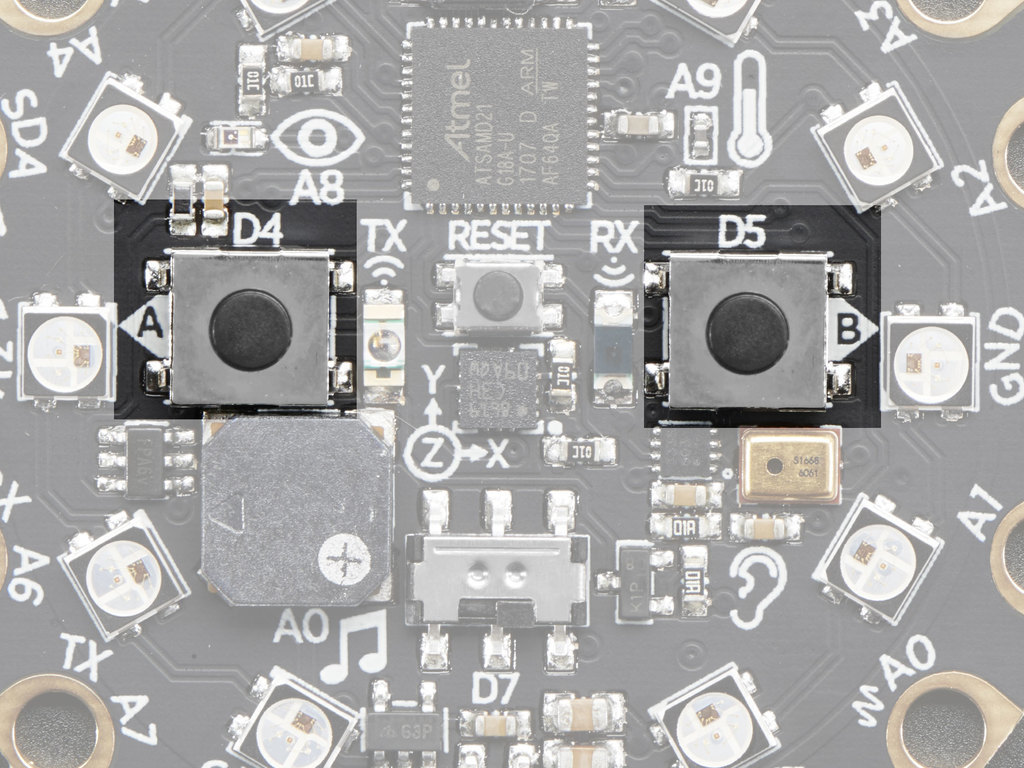
button = digitalio.DigitalInOut(board.BUTTON_A)
button.switch_to_input(pull=digitalio.Pull.DOWN)

while True:
    print((int(button.value),0,0))
    time.sleep(0.2)
"Digital" doesn't just refer to how we read from a button, it can also be how we write to it.
It can be both input and output.
Remember our LED?
import time
import board
import digitalio

led = digitalio.DigitalInOut(board.LED)

while True:
    led.value = True
    time.sleep(1)
    led.value = False
    time.sleep(1)
Analog In Basic Example
import time
import board
import analogio

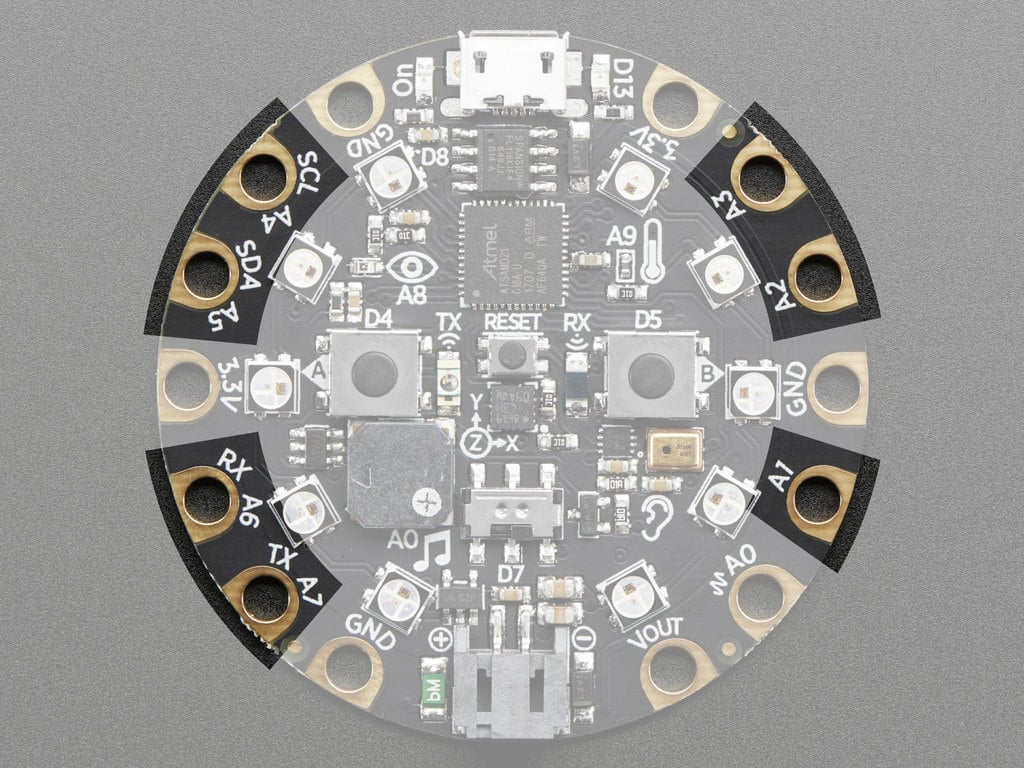
analogin = analogio.AnalogIn(board.A1)

while True:
    print((analogin.value,0,0))
    time.sleep(0.1)
We get lots of values!
How can you use these values? What do you need to do to make these values useful?
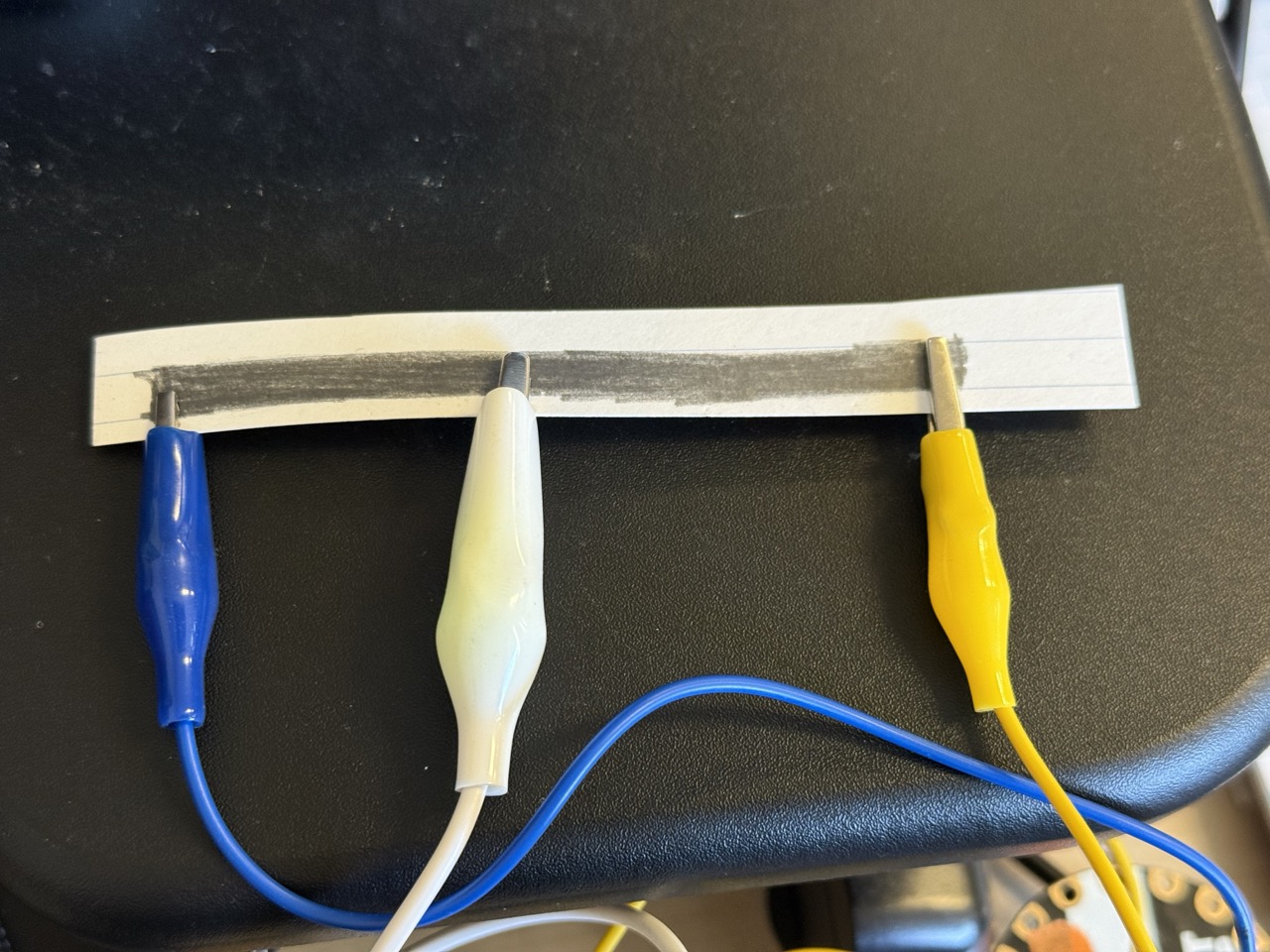
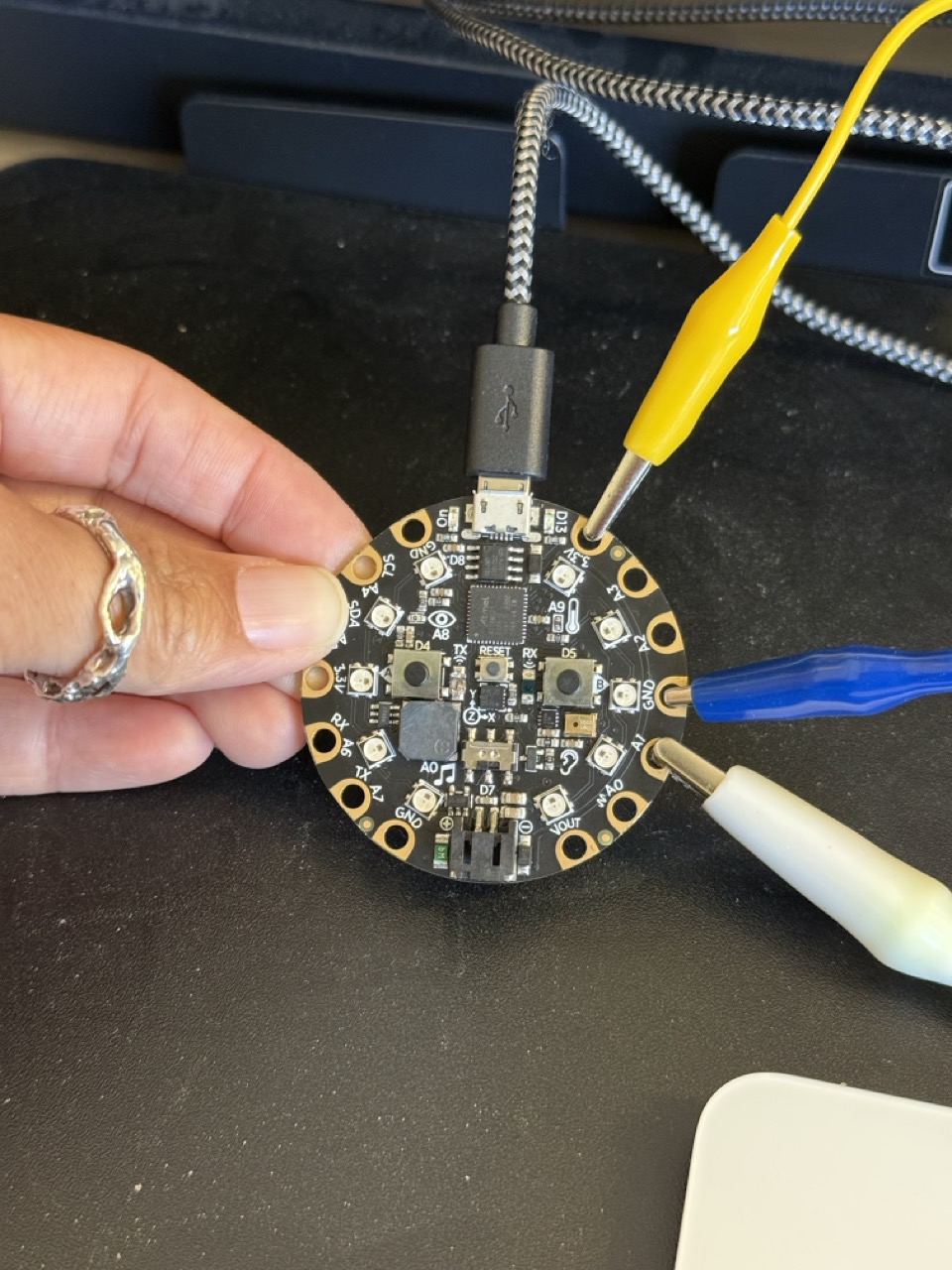
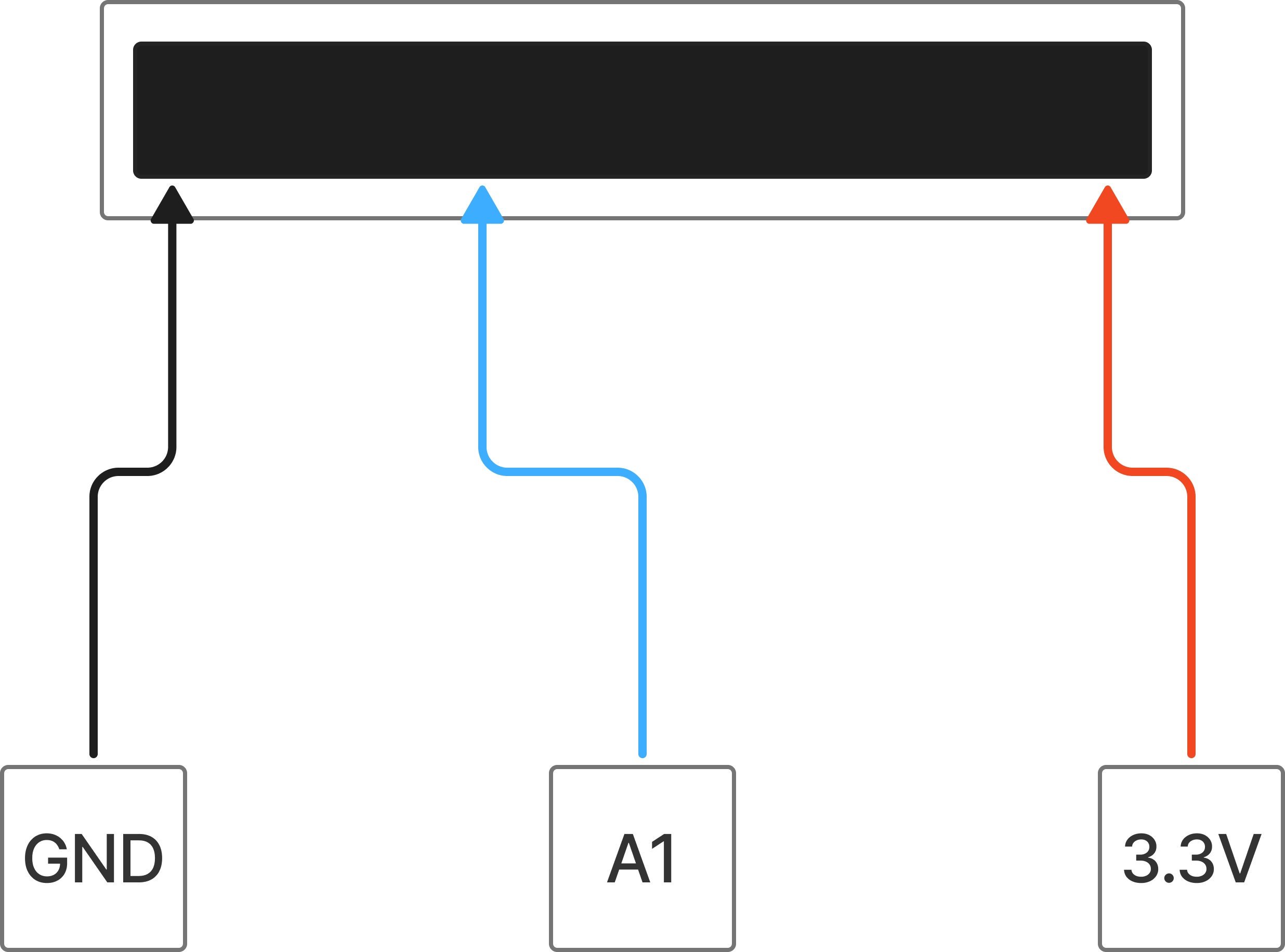
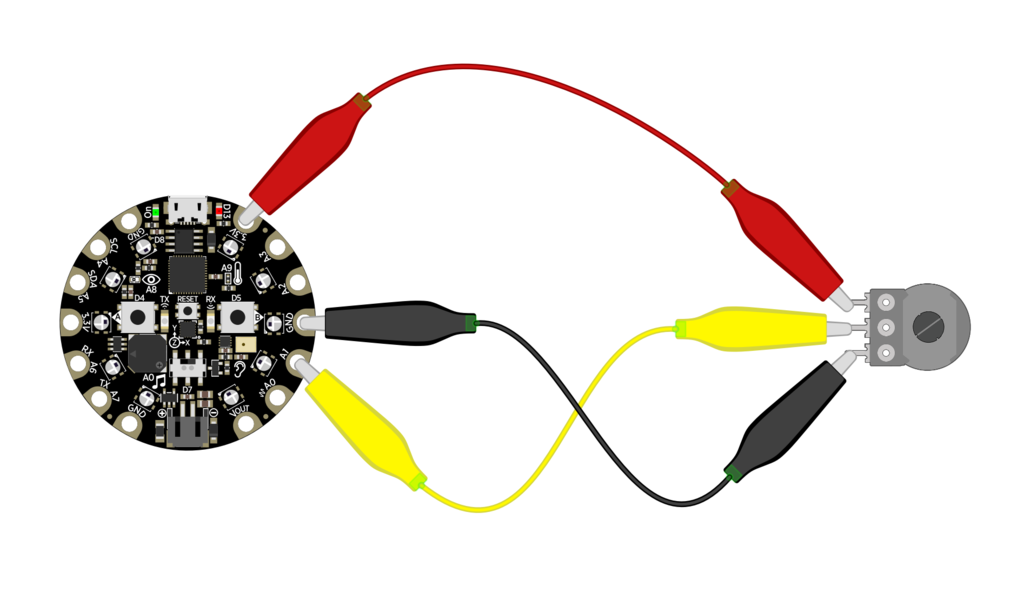
Potentiometer with voltage helper
Capacitive sensing uses some of that analog reading
Capacitive Touch Example Code
import time
import board
import touchio

touch_A1 = touchio.TouchIn(board.A1)

while True:
    print((int(touch_A1.value),0,0))

    time.sleep(0.01)
Wait a second ... doesn't this look like digital?
change touch_A1.value → touch_A1.raw_value
touch_A1.value
touch_A1.raw_value
So you have both; the Capacitive Touch library technically reads in analog, but it gives you a nice "touched-or-not-touched" value too.
touch_A1.raw_value ← real readings
touch_A1.value ← treated like digital
Exercise: Test out the Capacitive Touch inputs!
value
raw_value
Example code for later reference
cap touch edge detection (regular value), two directions
Now that you know a bit about hardware, let's make something interesting with it.
Use what we've learned to make a surprising, narrative, or poetic interaction.
Use at least one input and one output.
For example:
Neopixels + Buttons
Capacitive Touch + Built-In LED
Microphone + Serial Print
Other libraries/examples to use
CircuitPlayground Library Bundle (use 10.x)