Static electricity is the circuit's worst enemy ↩︎
Microcontrollers are sometimes called circuit boards or just boards.
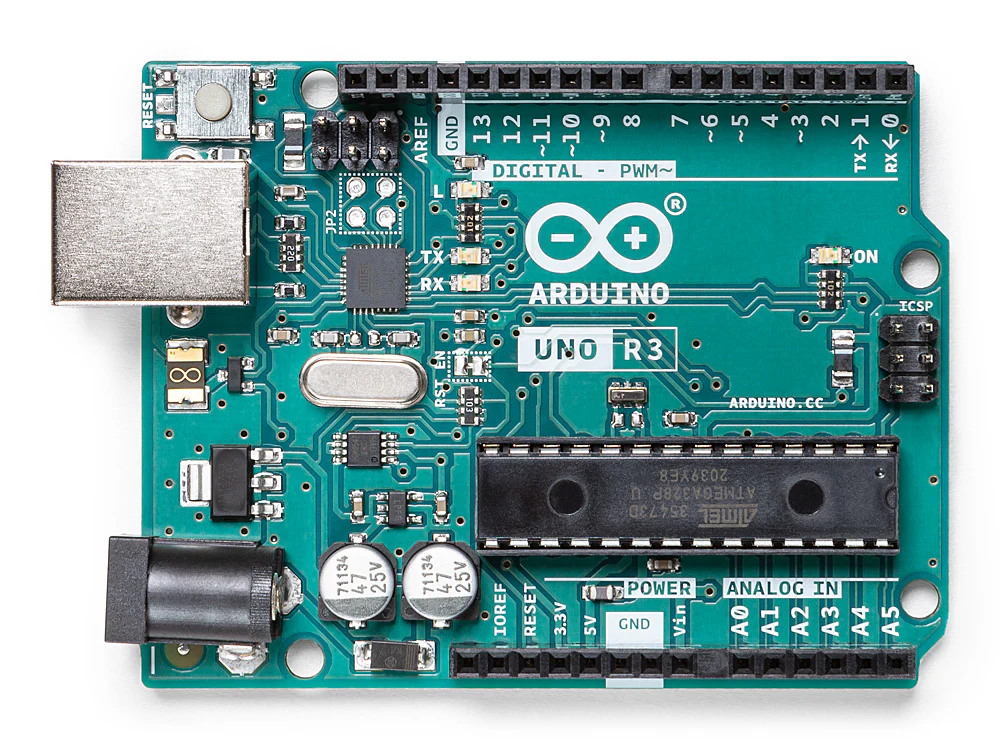
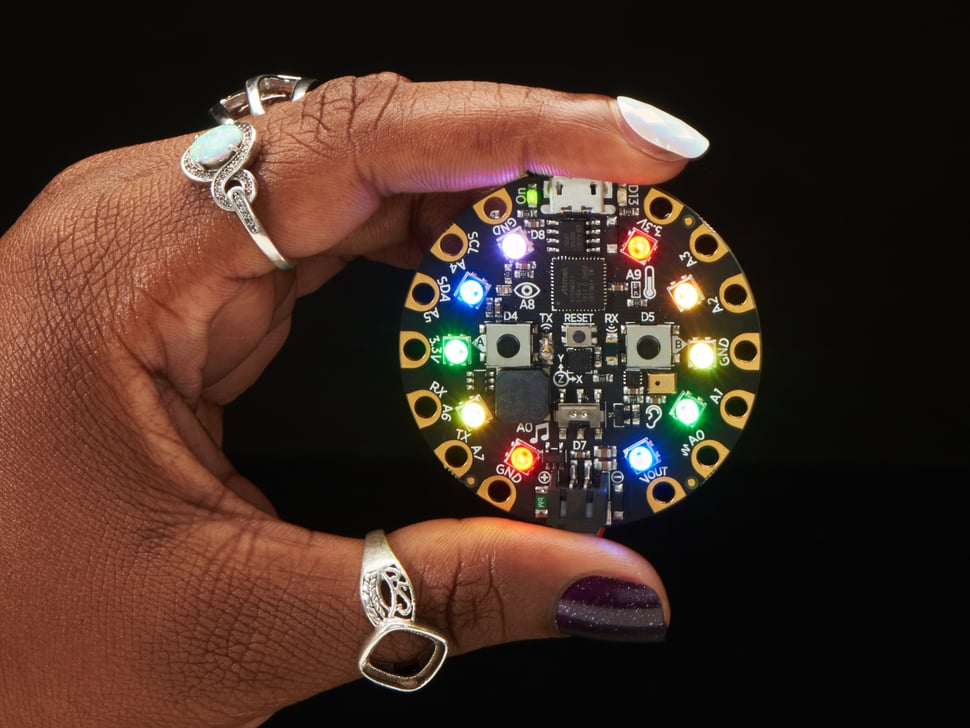
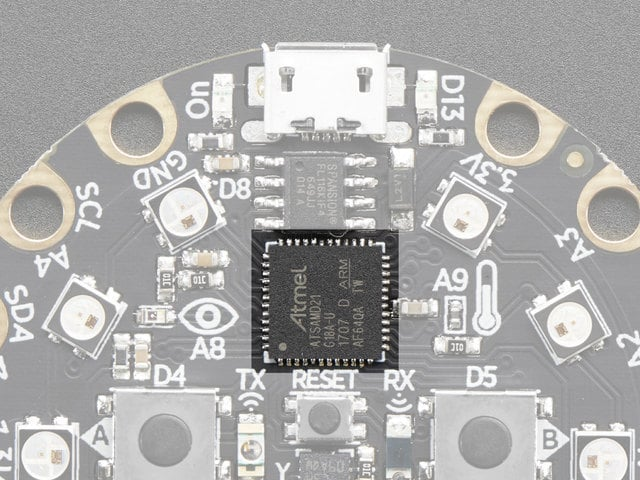
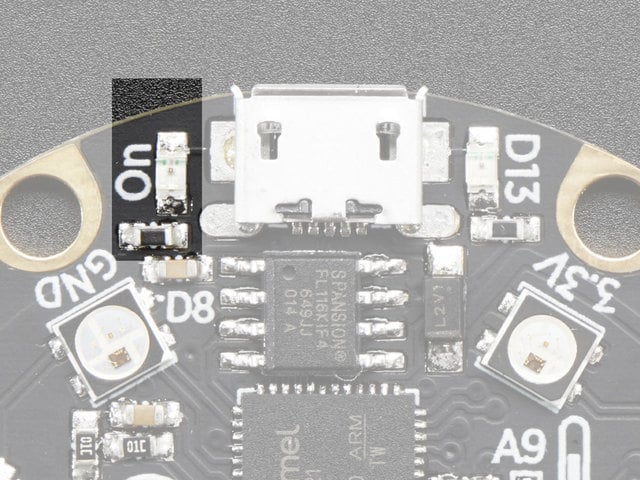
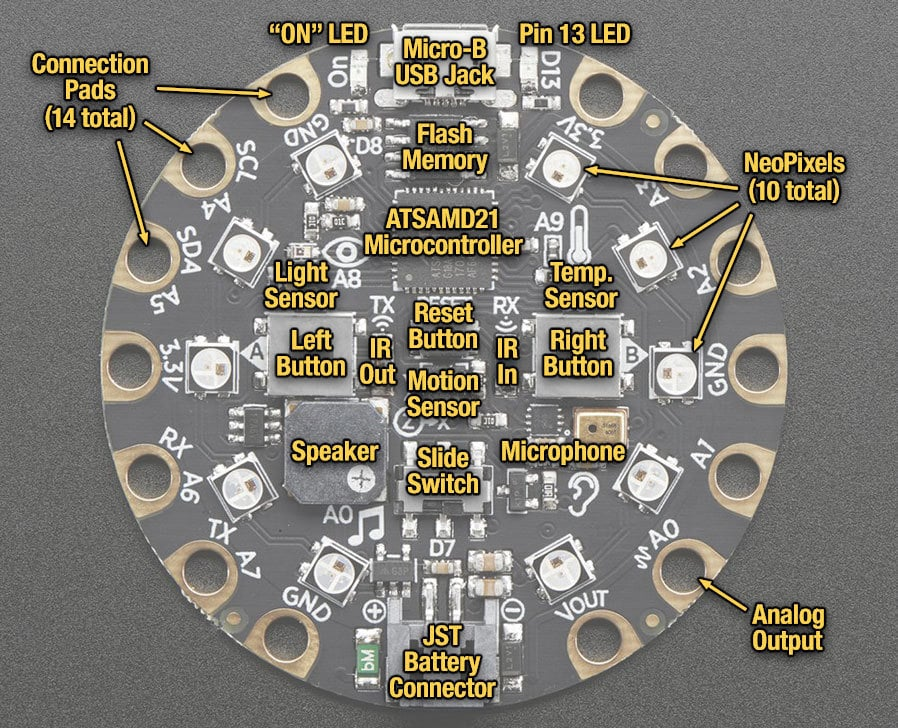
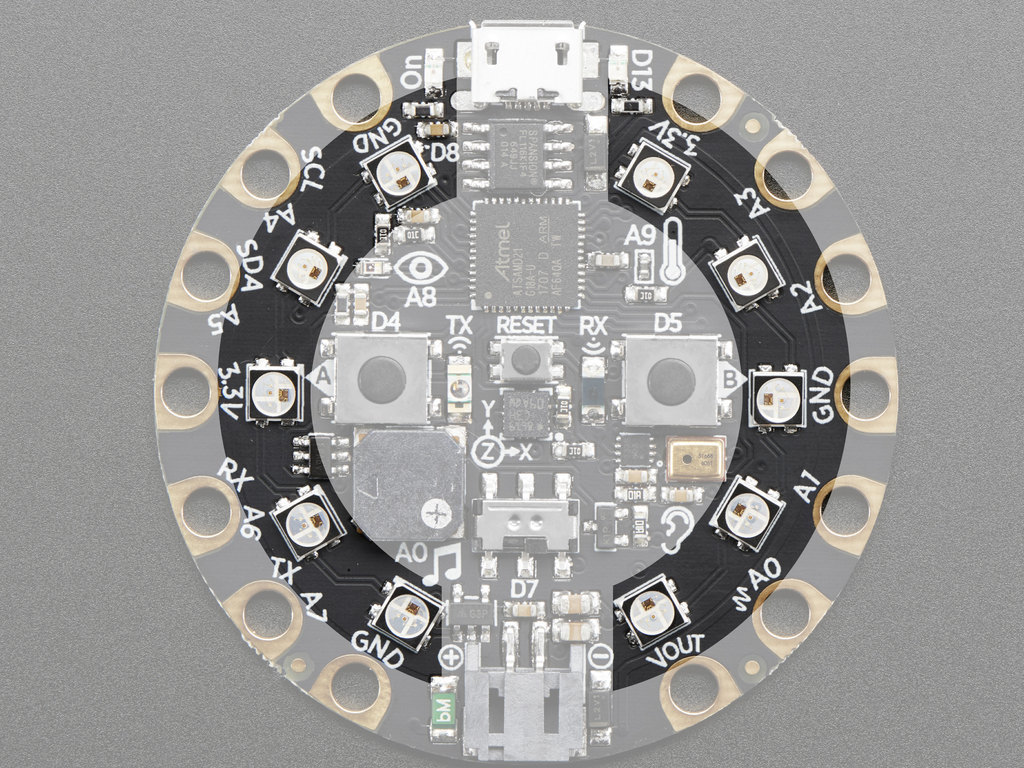
So what's on your board?
How does CircuitPython work?
Ground Rules:
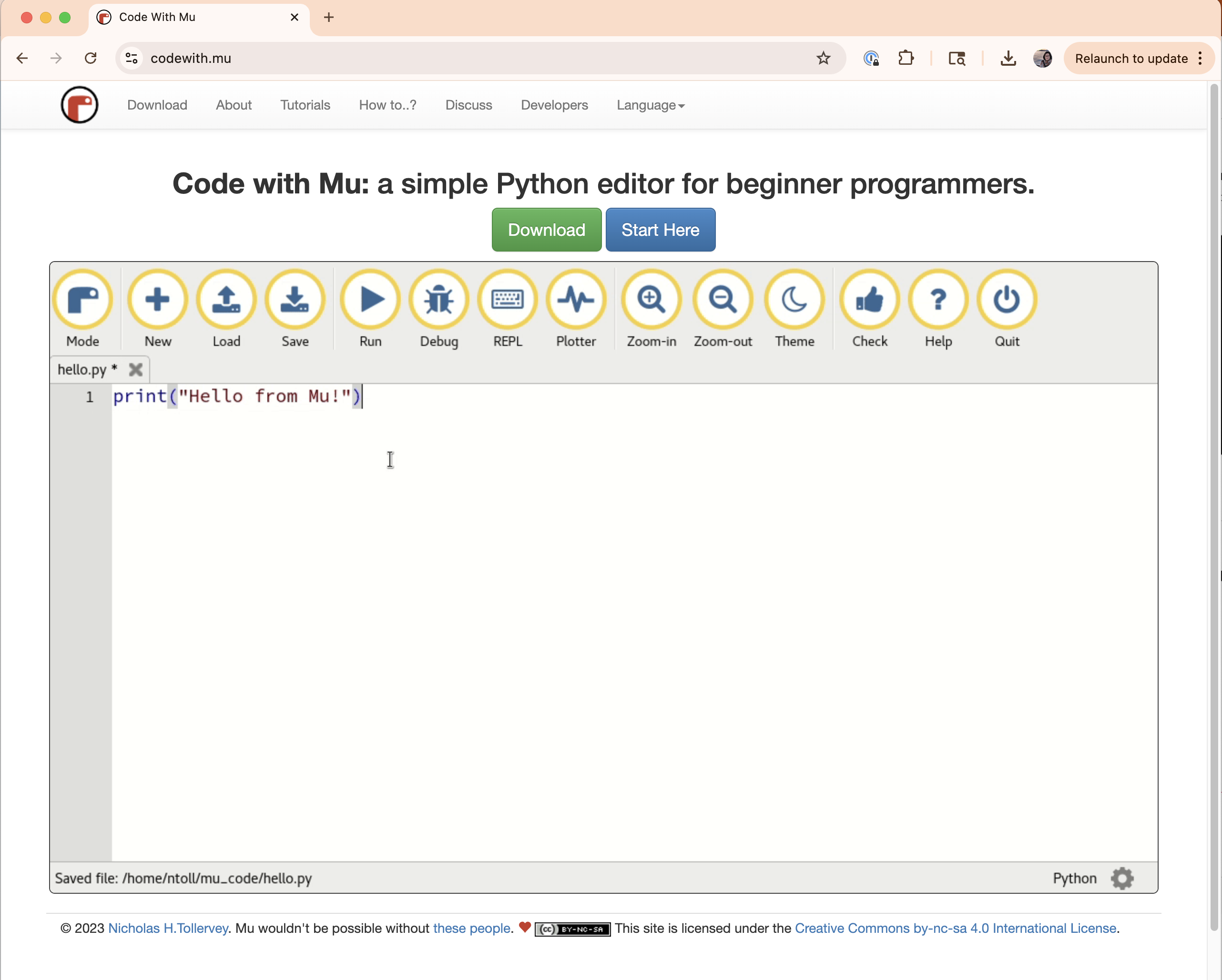
print('Hello, World')
Find a partner, and get your board to say hello to them.
print('Hello, World')
Now let's add some structure to it.
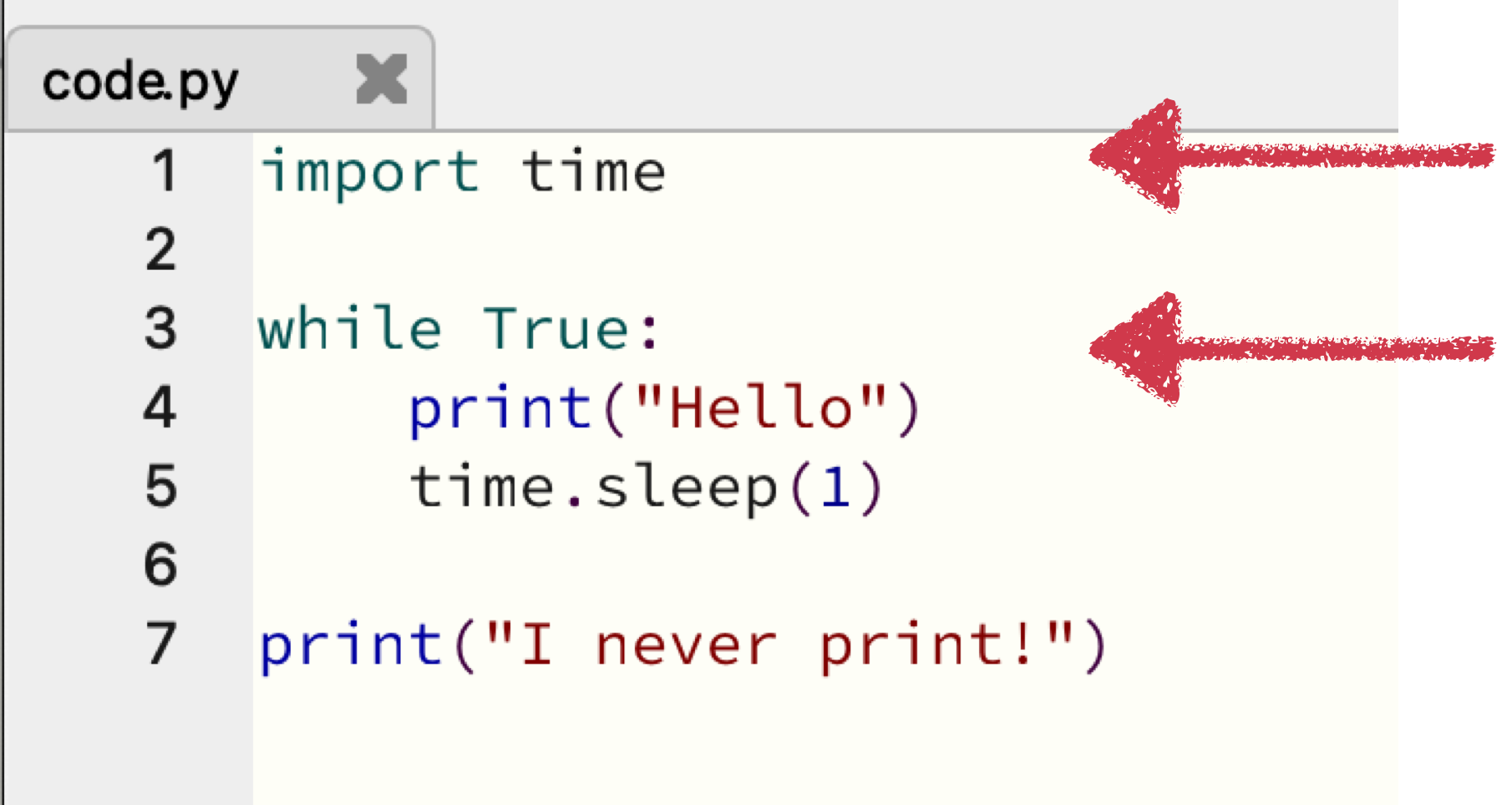
import time
while True:
print("hello")
time.sleep(1)
print("I never print")
Okay, let's control some hardware.
import board
import digitalio
import time
led = digitalio.DigitalInOut(board.LED)
led.direction = digitalio.Direction.OUTPUT
while True:
led.value = True
time.sleep(0.1)
led.value = False
time.sleep(0.5)
Output can be:
Input can be:
That was output. Let's do some input.
import time
import board
import digitalio
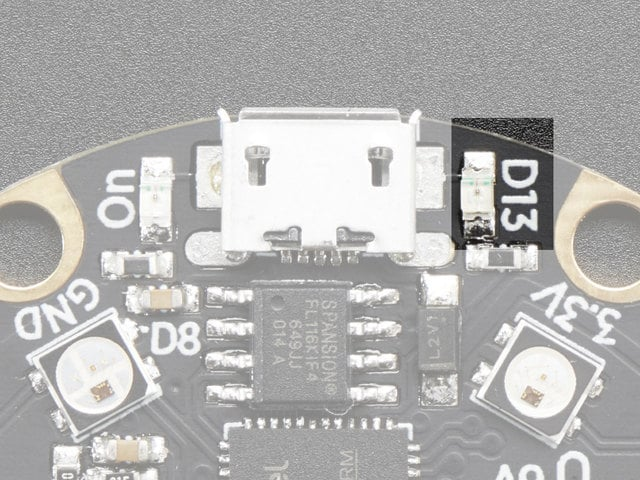
led = digitalio.DigitalInOut(board.D13)
led.switch_to_output()
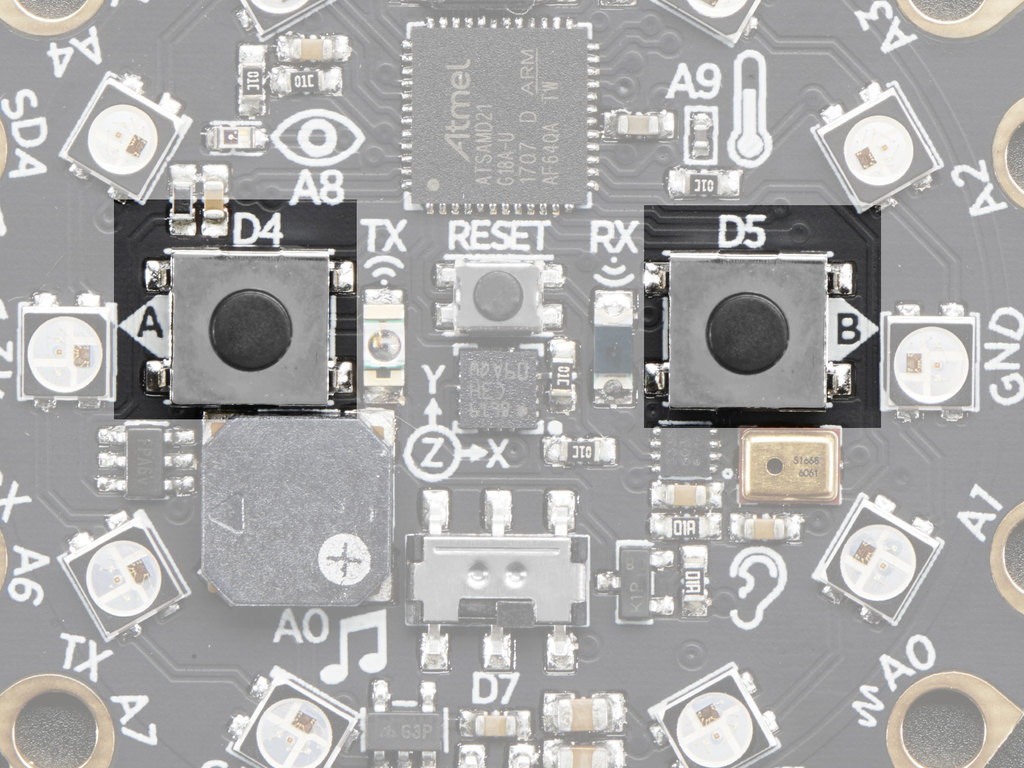
button = digitalio.DigitalInOut(board.BUTTON_A)
button.switch_to_input(pull=digitalio.Pull.DOWN)
while True:
if button.value: # button is pushed
led.value = True
else:
led.value = False
time.sleep(0.01)
Some exercises to try ...
Did you make the board say hello? What happened?
import time
import board
import digitalio
button = digitalio.DigitalInOut(board.BUTTON_A)
button.switch_to_input(pull=digitalio.Pull.DOWN)
while True:
print(button.value)
time.sleep(0.1)
Pair up with someone and see if you can solve that issue.
(5 mins)
We have to do something only when the button value changes.
button = digitalio.DigitalInOut(board.BUTTON_A)
button.switch_to_input(pull=digitalio.Pull.DOWN)
lastValue = button.value
while True:
if (button.value == True) and (lastValue == False):
print("Only prints once per button press")
lastValue = button.value
time.sleep(0.1)
This is called edge detection. Example code
We'll get to more output in a minute! But first ...
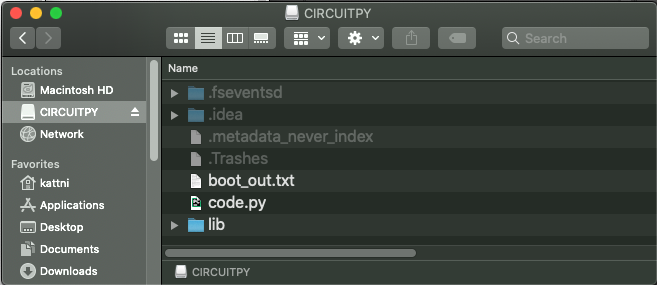
To use external libraries, you need to copy the library files into the CIRCUITPY/lib folder.
Download the package above. You should see the following: this is just like what's on your CIRCUITPY. Copy these over; put these libraries in /lib and replace your code.py with this one.
import time
import board
import neopixel
pixels = neopixel.NeoPixel(board.NEOPIXEL, 10, brightness=0.1, auto_write=False)
RED = (255, 0, 0)
OFF = (0, 0, 0)
while True:
pixels.fill(RED)
pixels.show()
time.sleep(1)
Addressing multiple pixels at a time:
indices = [0, 2, 4]
for i in indices:
pixels[i] = CYAN
Take a library from this class (or another!) and make something with it.
What we learned:
Resources: